There’s something special about holding a physical print of your photo — something a screen can never replicate. As someone who sells fine art nature prints, I know the difference a good printer makes. But you don’t need a $1,000 professional printer to make beautiful prints at home. The best affordable photo printer for home use will produce vivid, detailed images on quality paper without costing more than a nice dinner out. Here are seven I’ve tested or researched thoroughly.
Quick Picks: Top 3 Home Photo Printers
| Printer | Price | Best For |
|---|---|---|
| Canon PIXMA G620 | ~$250 | Best overall — lowest cost per print |
| Epson EcoTank ET-2850 | ~$230 | Best all-in-one for photos + documents |
| Canon SELPHY CP1500 | ~$110 | Best portable snapshot printer |
Inkjet vs. Dye-Sublimation: Which Is Better for Photos?
Two technologies dominate home photo printing. Inkjet printers spray tiny droplets of ink onto paper, offering excellent color accuracy and the ability to print on various paper types and sizes. Dye-sublimation printers use heat to transfer dye onto specially coated paper, producing waterproof, smudge-proof prints with a consistent finish. For home use, inkjet printers offer more versatility; dye-sub printers offer simpler, more consistent results for snapshot-sized prints.
The 7 Best Affordable Photo Printers for Home
1. Canon PIXMA G620 MegaTank — Best Overall Home Photo Printer
The G620 is Canon’s dedicated photo printer with refillable ink tanks instead of cartridges — which slashes the cost per print dramatically. Canon claims up to 3,800 4×6″ photos from one set of ink bottles, which works out to roughly 4-5 cents per photo. The 6-color ink system (including photo blue and gray) produces prints with excellent color accuracy and smooth gradients. I’ve compared G620 prints to lab prints, and the difference is minimal on Canon’s own photo paper.
Key specs: 6-color refillable ink tanks, 4800×1200 dpi, borderless printing up to 8.5×11″, Wi-Fi/USB, 4×6″ print in ~51 seconds.
- Pros: Extremely low cost per print (~$0.05 per 4×6″), 6-color system for photo-quality output, refillable tanks (no cartridges), borderless printing, Wi-Fi
- Cons: Photo-only (no document scanning/copying), slow for large prints, max print size 8.5×11″, initial ink fill takes time
- Best for: Photographers who print frequently and want the lowest cost per print with excellent quality
- Price: ~$250
2. Epson EcoTank ET-2850 — Best All-in-One
If you need one printer for photos AND everyday documents, the ET-2850 handles both well. The refillable EcoTank system means you’re not paying $30+ for cartridge replacements, and the 4-color ink system produces solid photo prints. They’re not quite as vibrant as the G620’s 6-color output for photos, but for an all-purpose home printer that happens to print good photos, it’s the best value. Includes scanning and copying functionality.
Key specs: 4-color refillable ink tanks, 4800×1200 dpi, scanner/copier, auto-duplex, borderless up to 8.5×11″, Wi-Fi.
- Pros: Low cost per print, prints photos AND documents, scanner/copier included, auto-duplex, Wi-Fi with Epson Smart Panel app
- Cons: 4-color system not as photo-accurate as 6-color, slower than cartridge printers, photo quality is good but not great
- Best for: Families who want one printer for everything including occasional photo prints
- Price: ~$230
3. Canon SELPHY CP1500 — Best Portable Snapshot Printer
The SELPHY CP1500 is a dye-sublimation printer that produces waterproof, smudge-proof 4×6″ prints that rival drugstore prints in quality — and beat them in convenience. Each print is laminated during the printing process, protecting it from spills and fingerprints. At ~$110, it’s the most affordable way to get consistent, good-looking prints without any learning curve. Just connect via Wi-Fi from your phone and print.
Key specs: Dye-sublimation, 300×300 dpi, postcard-size max (4×6″), Wi-Fi/USB, optional battery for portable use, ~47 seconds per print.
- Pros: Waterproof/smudge-proof prints, incredibly simple to use, portable with optional battery, consistent results every time, fun for events
- Cons: Only prints up to 4×6″ (postcard), higher cost per print (~$0.25), proprietary ink/paper cassettes, low resolution by inkjet standards
- Best for: Casual photographers who want easy, durable snapshot prints
- Price: ~$110
4. Epson EcoTank ET-8550 — Best for Large Format (Up to 13×19″)
If you want to print larger than 8.5×11″, the ET-8550 is the most affordable wide-format photo printer available. It prints borderless up to 13×19″ — large enough for wall-display prints. The 6-color Claria ET Premium ink system produces excellent color and smooth tonal gradations. At ~$600 it’s the priciest option here, but per-print costs are low thanks to the refillable tank system, and the ability to make large prints at home saves money versus ordering from a lab.
Key specs: 6-color refillable ink, 5760×1440 dpi, borderless up to 13×19″, scanner/copier, auto-duplex, Wi-Fi/Ethernet/USB.
- Pros: Prints up to 13×19″ borderless, 6-color system for photo quality, low per-print cost, scanner/copier, rear feed for thick paper
- Cons: ~$600 upfront, large footprint, slow for big prints, only 5 paper trays
- Best for: Photographers who want to print large wall-display images at home
- Price: ~$600
5. HP Sprocket Studio Plus — Best for 4×6″ Social Sharing
The Sprocket Studio Plus is a dye-sublimation printer designed for the social media generation. Print 4×6″ photos directly from your phone via the HP Sprocket app. The prints are water-resistant and have a nice semi-gloss finish. At ~$130, it sits between the SELPHY and a full inkjet in terms of both price and capability. The app includes basic editing tools, filters, and the ability to print directly from Instagram and Facebook.
Key specs: Dye-sublimation, 300 dpi, 4×6″ prints, Wi-Fi, mobile app control, ~40 seconds per print.
- Pros: Easy phone-to-print workflow, water-resistant prints, compact, fun app with editing tools, consistent quality
- Cons: 4×6″ only, higher per-print cost, proprietary supplies, lower resolution than inkjet
- Best for: Social media-focused photographers who want quick, consistent 4×6″ prints
- Price: ~$130
6. Canon PIXMA TS6420a — Best Budget Inkjet
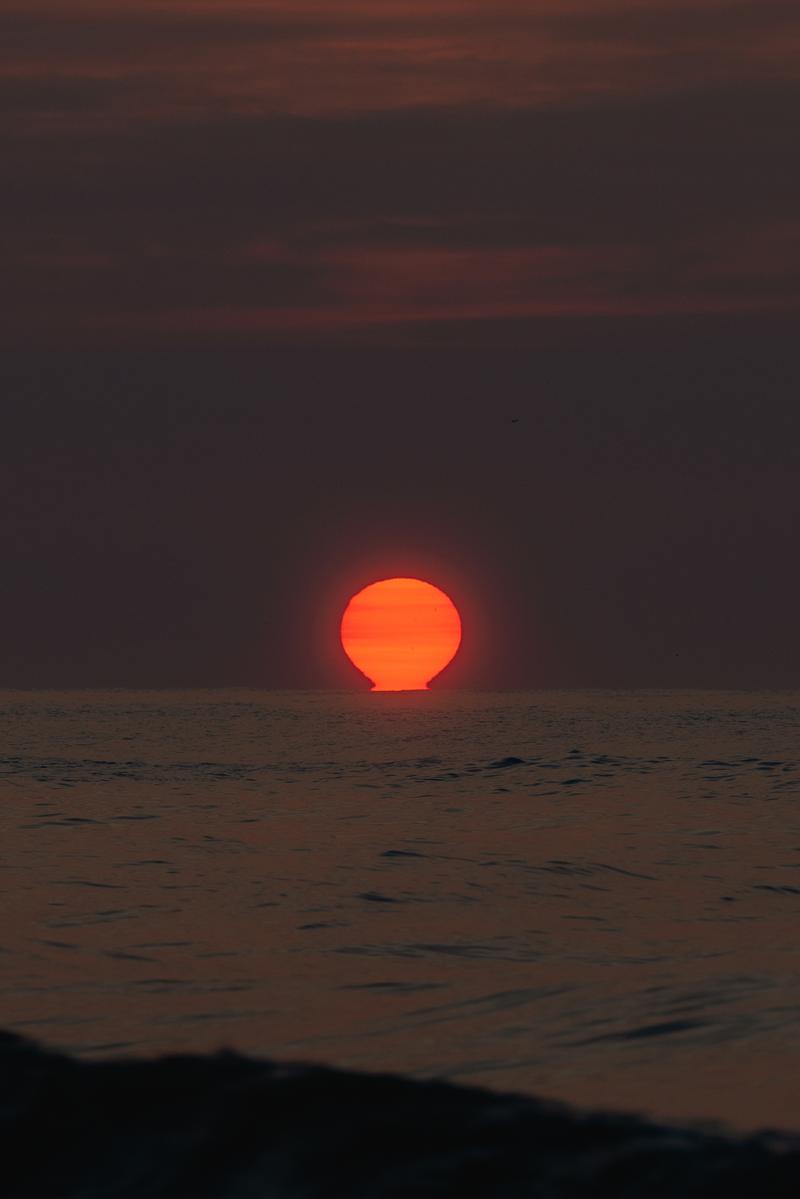
From the Photographer
Red Sun Rising Over Water
This is what a fine art print looks like when the source file is right
Zeefeldt Photography
— Fine art prints starting at $95
If you want a traditional inkjet that prints decent photos for under $100, the TS6420a is the pick. The 5-color ink system (CMYK + photo blue) adds a quality boost over basic 4-color printers for photo output. It’s an all-in-one with scanner and copier, handles documents well, and produces solid (if not spectacular) photo prints on glossy paper. The trade-off is higher per-print cost due to cartridges rather than tanks.
Key specs: 5-color individual inks, 4800×1200 dpi, scanner/copier, borderless up to 8.5×11″, Wi-Fi, auto-duplex.
- Pros: Under $100, 5-color system, all-in-one, compact, auto-duplex, easy setup
- Cons: Cartridge-based (higher running costs), photo quality is good not great, replacement ink costs add up
- Best for: Budget buyers who want occasional photo printing alongside document printing
- Price: ~$80
7. Epson PictureMate PM-520 — Best Dedicated Snapshot Printer
Epson’s PictureMate is a dedicated 5×7″ photo printer that produces vibrant, long-lasting prints. The 6-color Claria ink system delivers accurate skin tones and saturated landscape colors. It’s designed for one job — printing photos — and does it well. A 2.7″ LCD preview screen lets you crop and adjust before printing without a computer or phone.
Key specs: 6-color Claria ink, 5760×1440 dpi, prints up to 5×7″, 2.7″ LCD, Wi-Fi, memory card slots.
- Pros: Excellent 6-color photo quality, built-in screen for standalone use, memory card slots, compact and portable
- Cons: Only up to 5×7″, proprietary ink cartridge, limited to photos only, niche product
- Best for: Dedicated photo printing with standalone operation (no computer needed)
- Price: ~$200
Comparison Table
| Printer | Type | Colors | Max Size | Ink System | Cost/4×6″ | Price |
|---|---|---|---|---|---|---|
| Canon PIXMA G620 | Inkjet | 6 | 8.5×11″ | Refillable tank | ~$0.05 | $250 |
| Epson ET-2850 | Inkjet | 4 | 8.5×11″ | Refillable tank | ~$0.07 | $230 |
| Canon SELPHY CP1500 | Dye-sub | 3+overcoat | 4×6″ | Cassette | ~$0.25 | $110 |
| Epson ET-8550 | Inkjet | 6 | 13×19″ | Refillable tank | ~$0.05 | $600 |
| HP Sprocket Studio+ | Dye-sub | 3+overcoat | 4×6″ | Cassette | ~$0.30 | $130 |
| Canon PIXMA TS6420a | Inkjet | 5 | 8.5×11″ | Cartridge | ~$0.20 | $80 |
| Epson PictureMate PM-520 | Inkjet | 6 | 5×7″ | Cartridge | ~$0.18 | $200 |
Home Photo Printing Buyer’s Guide
Tank vs. Cartridge: The Long-Term Cost Difference
Refillable tank printers (Canon MegaTank, Epson EcoTank) cost more upfront but dramatically less per print. If you print more than 50 photos per month, a tank printer pays for itself within 6-12 months. Cartridge printers are cheaper initially but the ongoing ink costs add up fast — replacement cartridges often cost half the price of the printer itself.
Paper Makes a Huge Difference
The single biggest upgrade for home photo printing is using proper photo paper. A $30 pack of Canon Pro Luster or Epson Ultra Premium Glossy will transform your prints compared to regular paper. Match the paper brand to your printer brand for best results — Canon paper in Canon printers, Epson paper in Epson printers.
How Many Colors Do You Need?
More ink colors = smoother gradients and more accurate colors. 4-color (CMYK) printers produce acceptable photos. 5-color (adds photo blue or photo black) is noticeably better. 6-color systems (adding photo blue and gray/photo black) produce the best photo quality. For serious photo printing, 6-color is worth the investment.
Frequently Asked Questions
Is it cheaper to print photos at home or at a lab?
With a tank-based printer like the Canon G620, home printing costs about $0.05 per 4×6″ — cheaper than most labs ($0.15-$0.35 per print). With cartridge printers, lab printing is often cheaper. The break-even depends on volume: if you print more than 100 photos per month, a tank printer at home wins financially.
How long do home-printed photos last?
With pigment inks and archival paper, home prints can last 100+ years (Canon ChromaLife, Epson Claria). Dye-sublimation prints last 50-100 years. Standard dye-based inkjet prints last 20-50 years under normal display conditions. Keep prints out of direct sunlight and humidity to maximize longevity.
What paper should I use for photo printing at home?
Use the paper brand that matches your printer for best results. Canon Pro Luster and Epson Ultra Premium Glossy are excellent choices for their respective printers. For a matte look, Canon Matte Photo Paper and Epson Matte Presentation Paper work well. Avoid generic/third-party paper for photo prints — the ink/paper matching makes a visible difference.
Can I print large wall art at home?
Yes, if you get a wide-format printer. The Epson ET-8550 prints up to 13×19″ borderless, which is large enough for wall display. For anything bigger (16×20″, 24×36″), you’ll need a dedicated wide-format printer ($500+) or a professional print lab. Most home photo printers max out at 8.5×11″.
Related Guides
- Best Affordable Cameras For Landscape Photography
- Best Affordable Cameras For Nature Photography
- Best Affordable Cameras For Landscape Photography For Beginners
Final Verdict
The Canon PIXMA G620 MegaTank is the best affordable photo printer for home use — 6-color ink system, refillable tanks with $0.05 per print costs, and print quality that approaches lab standards. If you also need document printing, the Epson EcoTank ET-2850 does everything decently. And for quick, waterproof snapshot prints with zero fuss, the Canon SELPHY CP1500 at $110 is delightful.
Print your photos. Seriously. A printed image on your wall is worth a thousand likes on a screen.