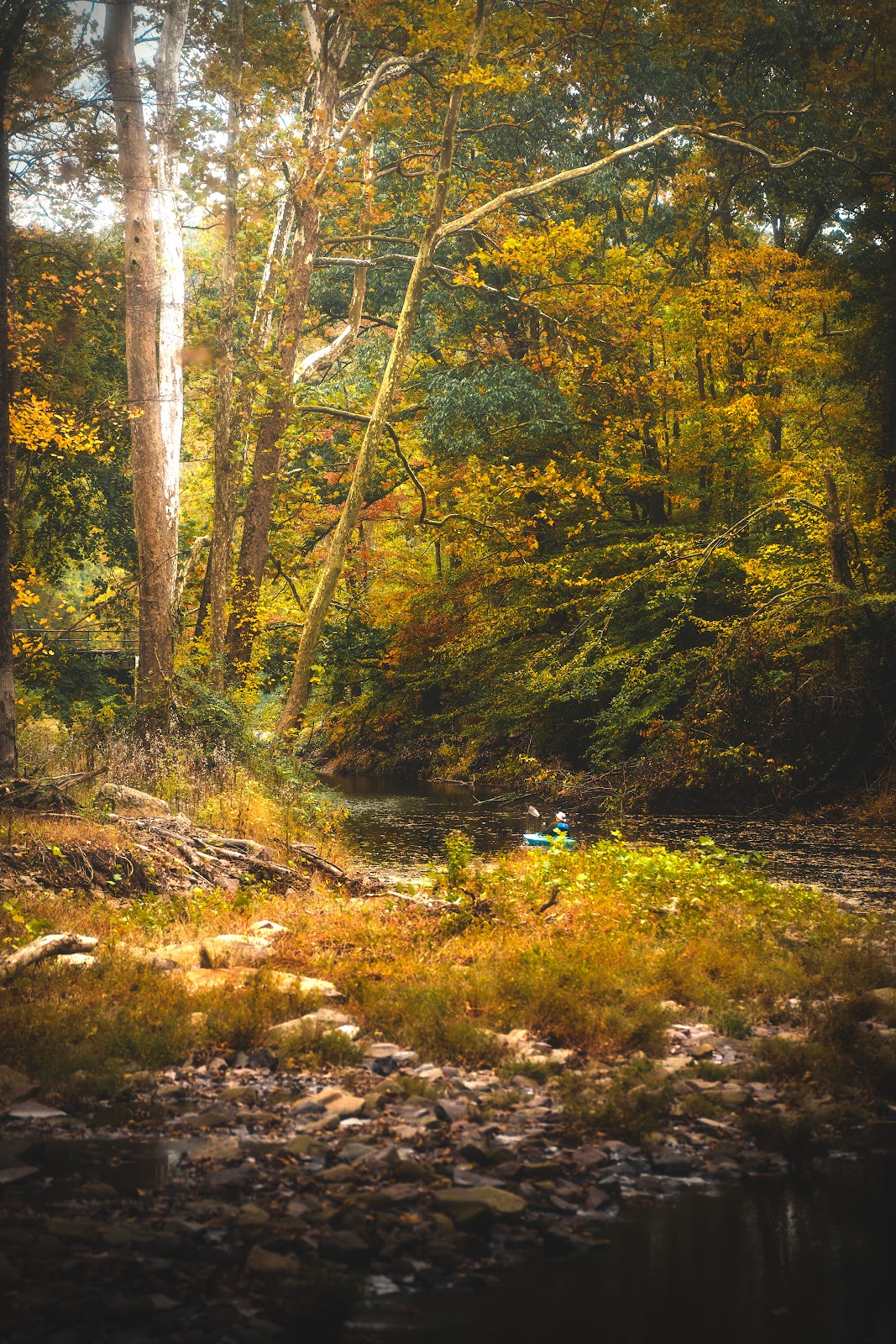
You’re standing on a mossy rock beside a waterfall in the Upper Peninsula of Michigan. It’s mid-morning and the light is coming through the trees beautifully. You’ve seen those photos where the water looks like flowing silk, almost glowing. Your first shot at 1/500s gives you frozen water droplets — sharp, but not what you were going for. Here is exactly how to get that silky look.
Understanding Why Shutter Speed Controls the Effect
The silky water effect is a product of motion blur. When your shutter is open for half a second or longer, the moving water records as a continuous blur across the sensor — smooth, soft, and milky. A fast shutter speed like 1/500s freezes every individual droplet in place, giving you a sharp but often less dramatic result.
There is no single “correct” look. A 0.5-second exposure gives you light, wispy silk. A 2-second exposure gives you thicker, more luminous streaks. A 10-second exposure in a shaded ravine can turn a waterfall into a smooth white column. Experiment at different shutter speeds and choose the look you prefer.
Step 1: Set Up Your Tripod
A slow shutter speed only produces the smooth water effect if the rest of the frame is perfectly still. Any camera movement during the exposure will blur the rocks, trees, and everything else — ruining the contrast between sharp surroundings and silky water that makes this technique work.
Set up your tripod with all three legs on stable ground. Extend the center column as little as possible — a raised center column makes a tripod less stable. Lock the ball head down firmly, and use a remote shutter release or your camera’s 2-second self-timer to avoid pressing the shutter button by hand.
Turn off image stabilization when the camera is mounted on a tripod. On some systems, IS can introduce micro-vibrations that slightly soften a slow-exposure shot.
Step 2: Set ISO to Its Lowest Value
Set your ISO to the camera’s base ISO — usually ISO 100. A lower ISO means you can use a longer shutter speed without overexposing the frame. In low light (an overcast day or a shaded forest ravine), ISO 100 combined with f/11 might already give you the 1-2 second exposures you need without any ND filter.
In bright sunlight, even ISO 100 at f/16 might only give you 1/30s or 1/60s — not long enough for a strong silky effect. That is where ND filters come in.
Step 3: Choose Your Aperture
For waterfall photography, f/8 to f/11 gives you a good combination of sharpness and depth of field. Most lenses hit peak sharpness somewhere in this range. Going beyond f/16 or f/22 introduces diffraction, which can slightly soften fine details like wet rock texture.
The aperture also affects your exposure. A narrower aperture (f/16) requires more light and results in a longer shutter speed compared to f/8 — which actually helps you get longer exposures in moderate light without an ND filter.
Step 4: Use an ND Filter in Bright Light
On a sunny day, even ISO 100 and f/16 will give you a shutter speed far too fast for silky water. An ND (neutral density) filter is a dark glass that reduces the amount of light reaching the sensor, forcing a longer exposure without changing color or depth of field.
A 3-stop ND filter (ND8) cuts the light by 8x and turns a 1/60s exposure into 1/8s. A 6-stop ND (ND64) gives you 1 second from that same starting exposure. A 10-stop ND (ND1000) turns a 1/60s shot into a 16-second exposure — useful for very long, smooth water on bright days.
For most waterfall situations in partial shade, a 3-stop or 6-stop ND filter is the most useful. If you shoot in bright, open light, keep a 10-stop ND in your bag as well.
Step 5: Compose Your Shot Carefully
The silky water effect only works if the composition supports it. A few things to look for:
Include sharp foreground elements — wet rocks, moss, fallen leaves — to contrast with the smooth water. If everything in the frame is soft, the image loses its impact. Position yourself so the waterfall fills a significant part of the frame rather than being a tiny element in the background. Look for leading lines like a stream bed or rock formations that draw the eye toward the falls.
Shoot in shade or on overcast days when possible. Direct sunlight creates harsh highlights on the water that clip your exposure. Shade gives you softer, more even light that is much easier to work with.
Step 6: Set Your Shutter Speed
With ISO at 100, aperture at f/8-f/11, and an ND filter if needed, adjust your shutter speed until you are in the range of 0.5 to 4 seconds. Take a test shot, check the LCD, and adjust.
Look at the water texture: is it silky and smooth, or still a bit choppy? If it is still choppy, increase the shutter speed by doubling it (go from 0.5s to 1s, or from 1s to 2s). If highlights on the white water are blowing out, reduce the shutter speed or add a stop of ND filtration.
Camera Settings Reference Table
| Lighting Condition | ISO | Aperture | Shutter Speed | ND Filter |
|---|---|---|---|---|
| Deep shade or overcast | 100 | f/11 | 1-3s | None needed |
| Partial shade, bright sky | 100 | f/11 | 0.5-1s | 3-stop ND8 |
| Open light, partly cloudy | 100 | f/11 | 1-2s | 6-stop ND64 |
| Full sun, midday | 100 | f/11 | 2-8s | 10-stop ND1000 |
| Blue hour / very low light | 100 | f/8 | 4-15s | None or 3-stop ND |
Frequently Asked Questions
What is the best shutter speed for waterfall photography?
There is no single best speed — it depends on the look you want and the flow rate of the water. A general starting range is 0.5 to 2 seconds for a silky effect with visible water texture. Slower flows may need 3-5 seconds. Faster, more powerful waterfalls can look silky at 1/4s. Experiment and compare results.
Do I need a tripod for waterfall photography?
Yes. Any shutter speed slower than about 1/60s requires a tripod to keep the camera still. Since waterfall photography calls for exposures of 0.5 to several seconds, a tripod is non-negotiable. A remote shutter release or self-timer also helps eliminate vibration from touching the camera.
What ND filter strength do I need for waterfalls?
In shade or on overcast days, you often need no ND filter at all — just ISO 100 and a narrow aperture. In bright or sunny conditions, a 3-stop (ND8) or 6-stop (ND64) filter is most practical for waterfall work. A 10-stop (ND1000) is useful for full sun midday situations. See our full ND filter density guide for more detail.
What aperture is best for waterfall photos?
f/8 to f/11 gives the best combination of sharpness and depth of field for most lenses. Avoid f/22 or f/32 — diffraction at very small apertures can soften fine detail in rocks and moss that is important for the overall image quality.
How do I keep the foreground rocks sharp while the water is blurry?
Use a tripod (so the camera does not move during the exposure) and make sure no wind is blowing leaves or foliage in the frame. Focus manually or use a single-shot AF point on a rock in the scene. The camera does not move during the exposure — only the water moves because it is flowing, giving you sharp rocks and silky water in the same frame.
What to Read Next
The right filters make waterfall photography much more flexible. Our guide to what ND filter to use for waterfall photography walks through specific recommendations for different conditions. For the full picture on ND filter strengths and when to use each, see our ND filter density guide. And for tripod recommendations for waterfall and landscape work, our waterfall photography gear guide has everything laid out.
Gear that helps
- A neutral density filter – The tool that makes daylight long exposures possible at all.
- A circular polarizer – Kills the reflection off wet rock and leaves. Nothing in software replaces it.
- A sturdy tripod – Seconds-long exposures need a rigid platform on uneven wet ground.
- Microfiber cloths – Spray from a falls coats the front element within a minute.
Nature Photo Gear is a participant in the Amazon Services LLC Associates Program. If you buy through these links we earn a commission at no extra cost to you.
Browse more nature photography tutorials, gear reviews, and field tips.
Download our guide: exposure, ISO, and aperture strategies for every light condition and terrain.
We respect your inbox. One guide, occasional tips, unsubscribe anytime.